

Blog
How the Thunder Sound TPW 16 Improves Professional Live Sound Management
Live Sound Equipment Guide
How the Thunder Sound TPW 16 Improves Professional Live Sound Management
Discover how a flexible 16-channel powered mixer can simplify microphone control,
instrument mixing and event sound management.
The Mixer as the Centre of a Sound System
Every professional sound system needs a central point where microphones, instruments and
playback devices can be controlled. The
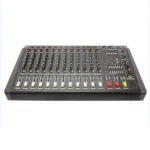
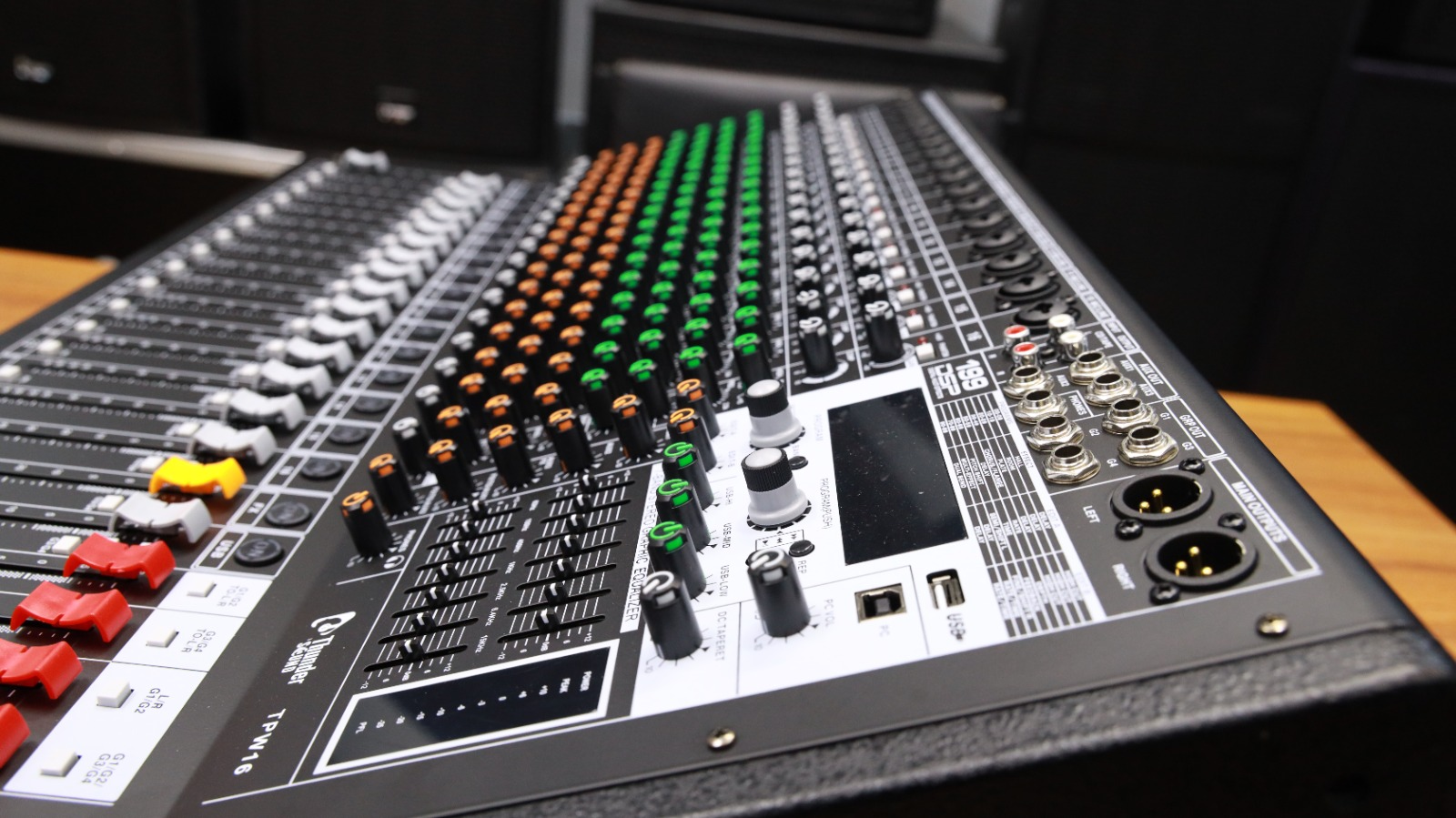
Thunder Sound TPW 16 Professional Powered Audio Mixer performs this role by
allowing an operator to combine several audio sources and send a balanced signal to the
connected sound system. Instead of adjusting devices separately, the operator can manage
important sound levels from one organised control surface.
This level of control is especially important during live events because conditions can
change quickly. A speaker may move closer to a microphone, a singer may become louder or an
instrument may suddenly dominate the mix. With accessible channel controls, the sound
operator can respond immediately and maintain a comfortable listening experience for the
audience.
Organising Microphones and Instruments Across 16 Channels
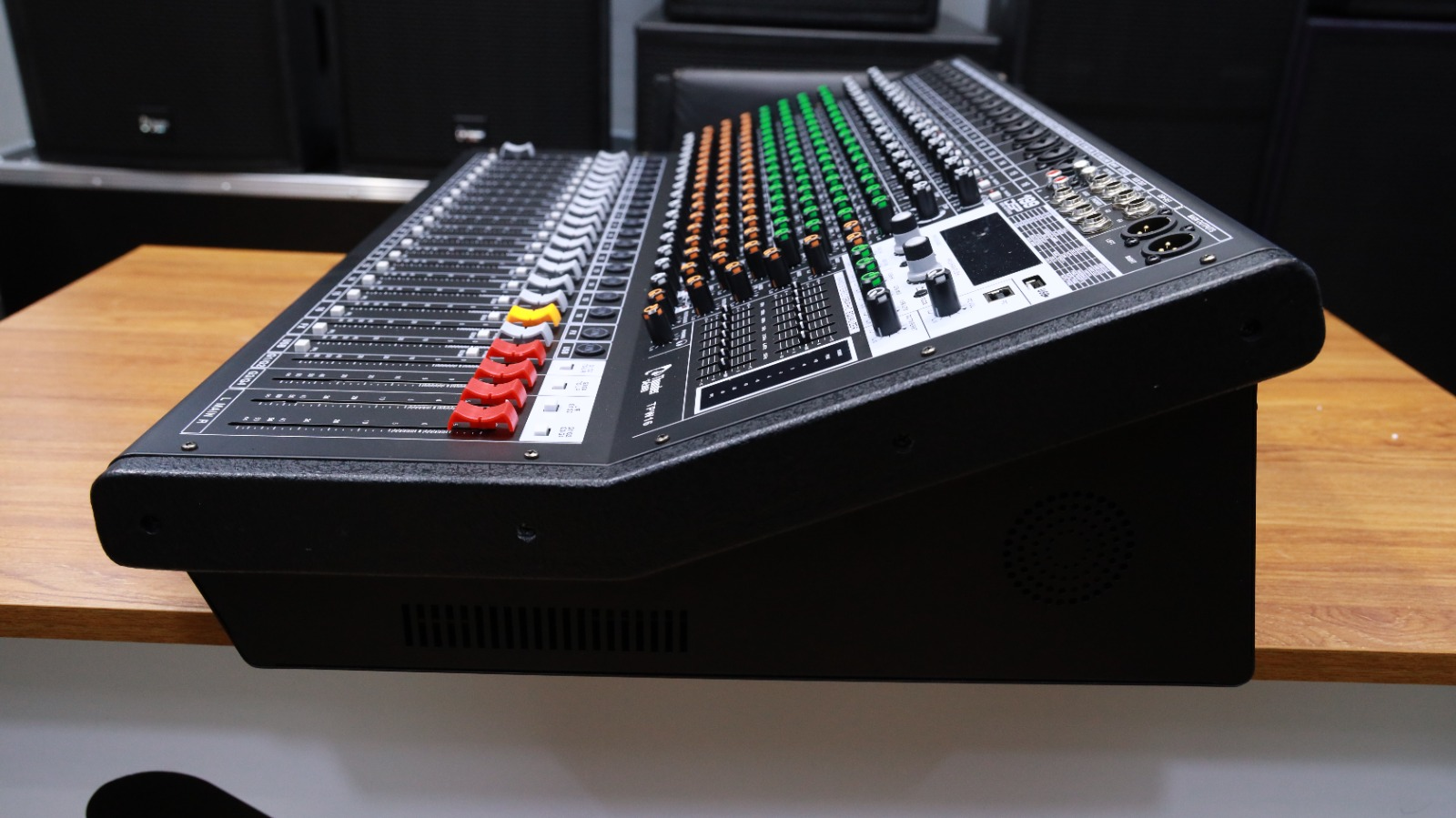
One major advantage of the Thunder Sound TPW 16 is the ability to organise several sources
independently. During a church service, separate channels may be assigned to the main
preacher, worship leader, backing singers, keyboard, guitar and media playback. At a
conference, the channels may be used for panel microphones, the moderator, presentation
audio and background music.
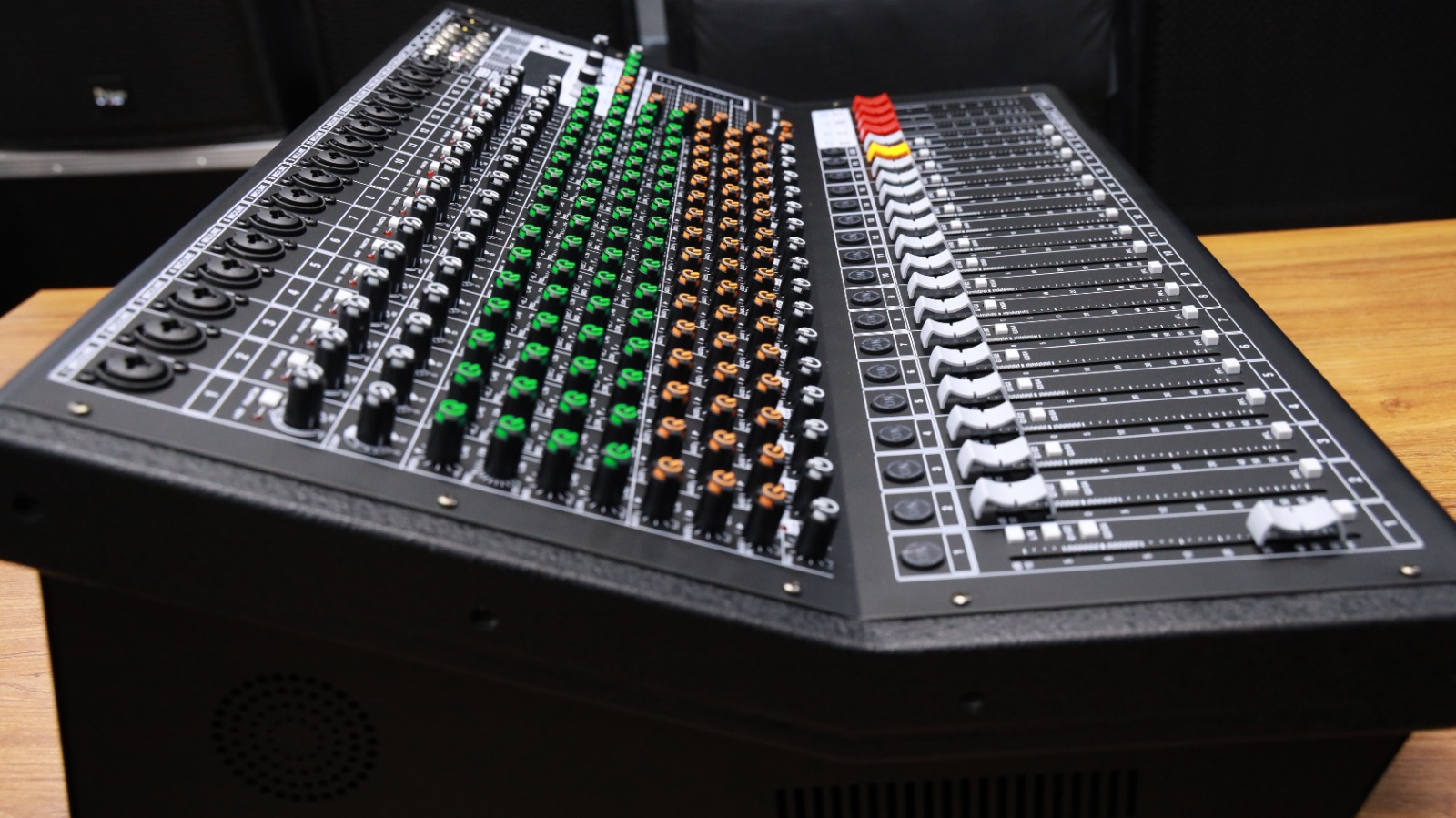
Keeping every source on its own channel allows the operator to make accurate adjustments.
A quiet microphone can be increased without affecting the rest of the system. An instrument
that sounds too strong can be reduced, while a vocal channel can be adjusted for improved
clarity. The 16-channel format also provides room for future expansion as more microphones
or instruments are added.
Practical Advantages for Sound Operators
Better Channel Control
Separate channel controls make it easier to balance microphones, instruments and
media players during live programmes.
Flexible Sound Shaping
Equalisation controls help operators improve vocal clarity and reduce frequencies
that make the system sound harsh or unclear.
Built-In Effects
Integrated effects can add depth to vocals and performances without relying on a
separate external effects processor.
System Expansion
The available channels provide useful capacity for organisations planning to add
more performers or equipment later.
Creating a Clearer Mix for the Audience
A professional mix is not simply about making every source loud. The goal is to ensure that
each important sound can be heard clearly without creating discomfort. Speech should remain
understandable, lead vocals should sit above supporting instruments and background music
should not overpower presenters.
The Thunder Sound TPW 16 gives the operator the tools needed to build this balance. Input
levels can be adjusted carefully, and channel equalisation can be used to shape the sound.
Effects should be applied moderately so that vocals sound natural. These adjustments are
especially valuable in venues with reflective walls, high ceilings or challenging acoustic
conditions.
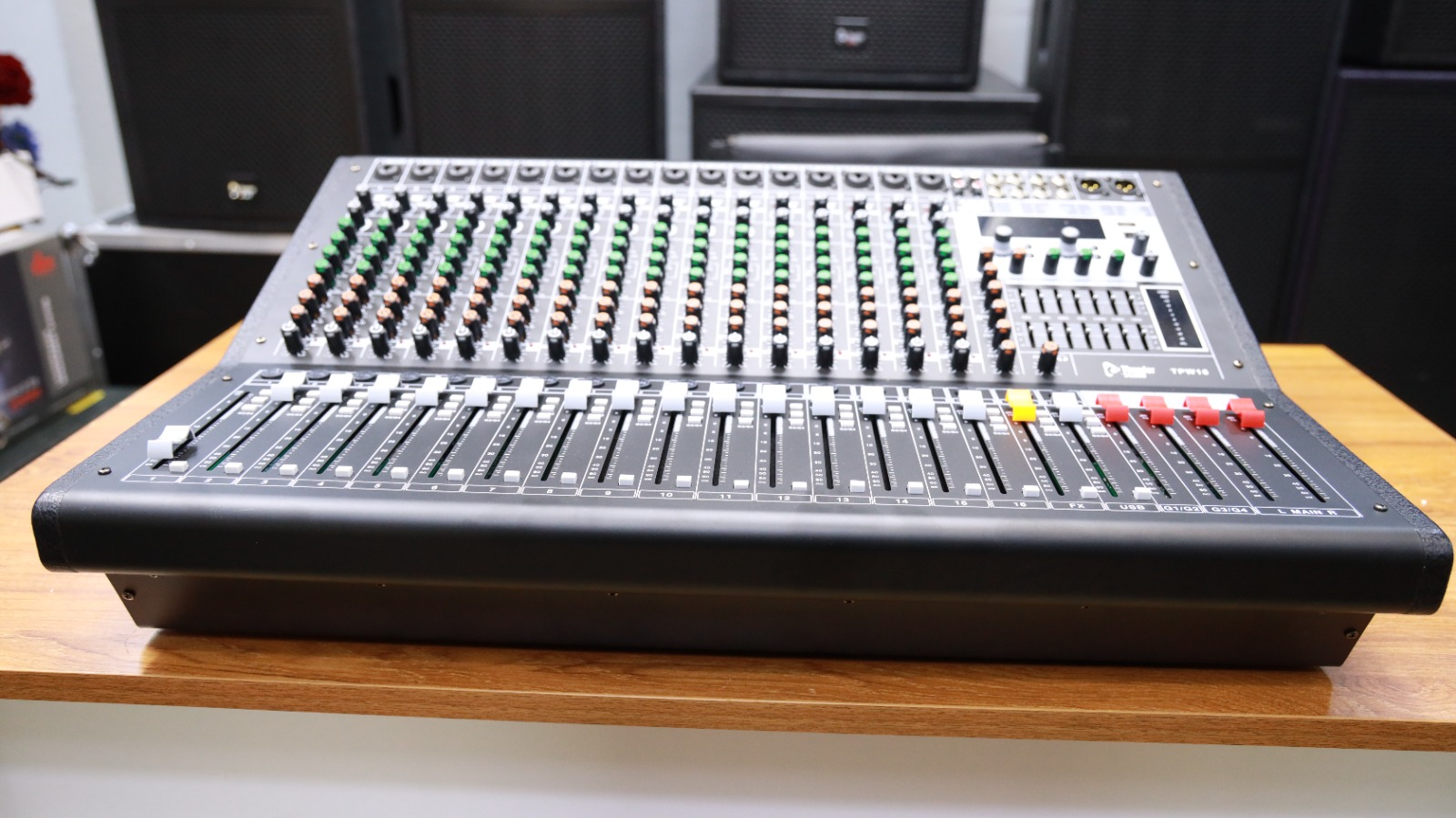
Suitable for Permanent and Mobile Installations
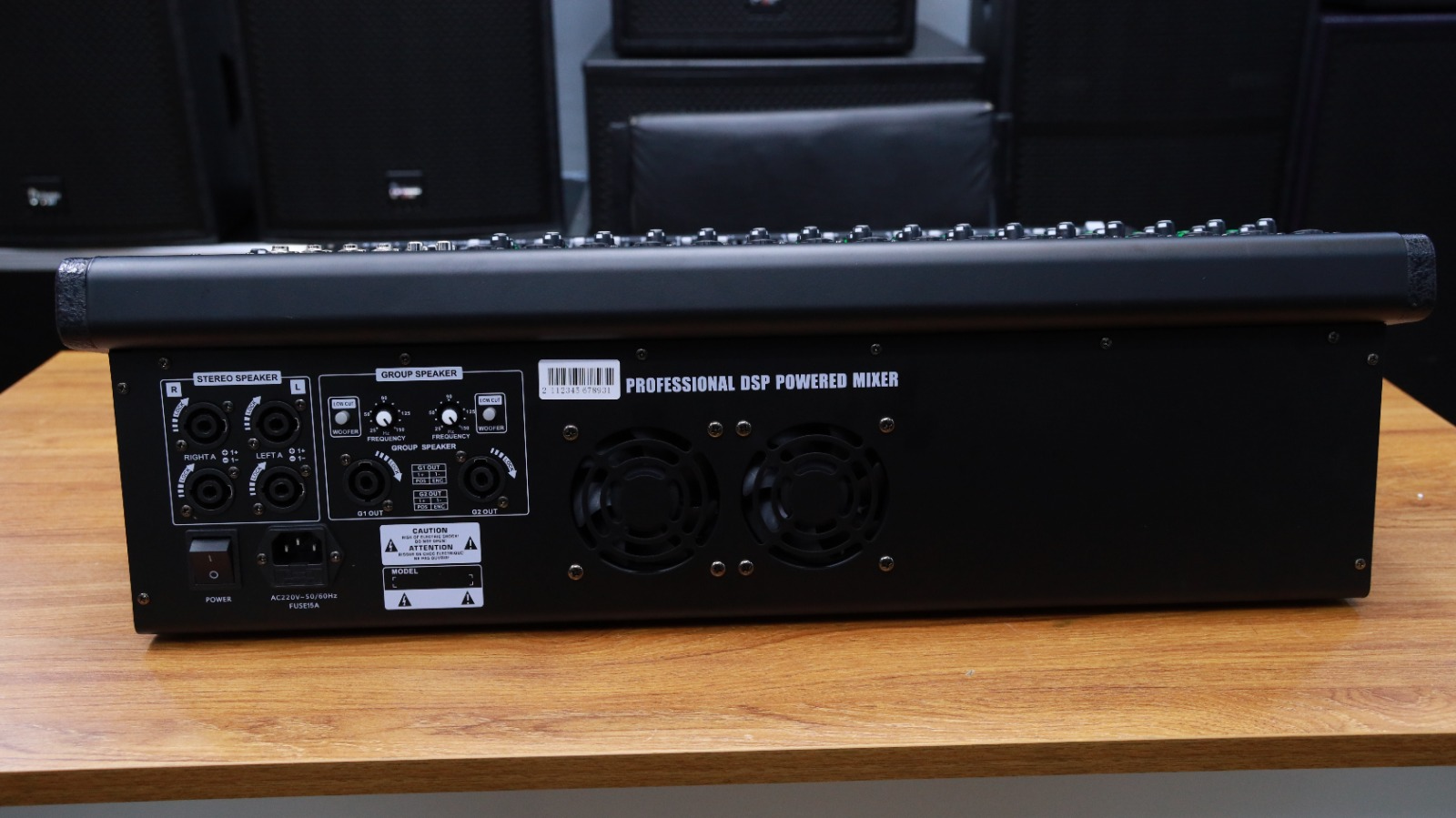
The Thunder Sound TPW 16 Professional Powered Audio Mixer can be used in a permanent venue or
as part of a mobile event system. Churches, halls and schools can install the mixer in a
dedicated control area where it remains connected to regular microphones and equipment.
Event companies and DJs can include it in a portable system used at different locations.
Its broad range of applications makes it a practical option for organisations that handle
different types of programmes. The same mixer may be used for a conference during the day,
a live performance in the evening and a worship service at the weekend. This versatility can
reduce the need to purchase separate mixers for every application.
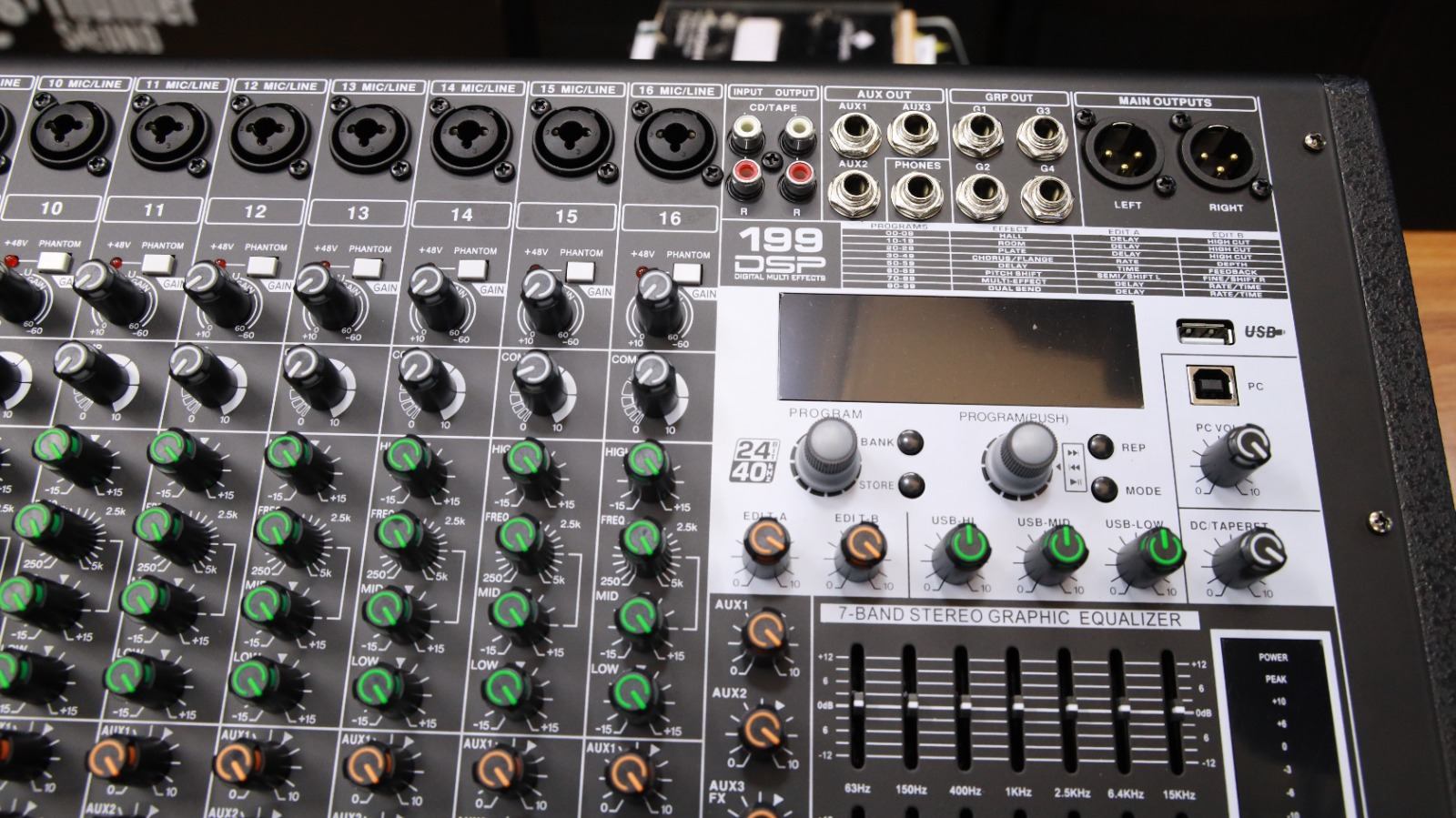
Tips for Setting Up the TPW 16
Start by labelling every connected channel so that the operator can identify microphones and
instruments quickly. Keep channel levels low while connecting equipment, then raise the input
gain gradually during the sound check. Listen carefully for distortion, feedback or excessive
background noise.
Speakers should generally be positioned in front of open microphones to reduce feedback.
Damaged or low-quality cables should be replaced because they can introduce noise and signal
interruptions. Before the event begins, test every microphone, instrument and playback source.
A complete sound check gives the operator enough time to solve connection problems before the
audience arrives.
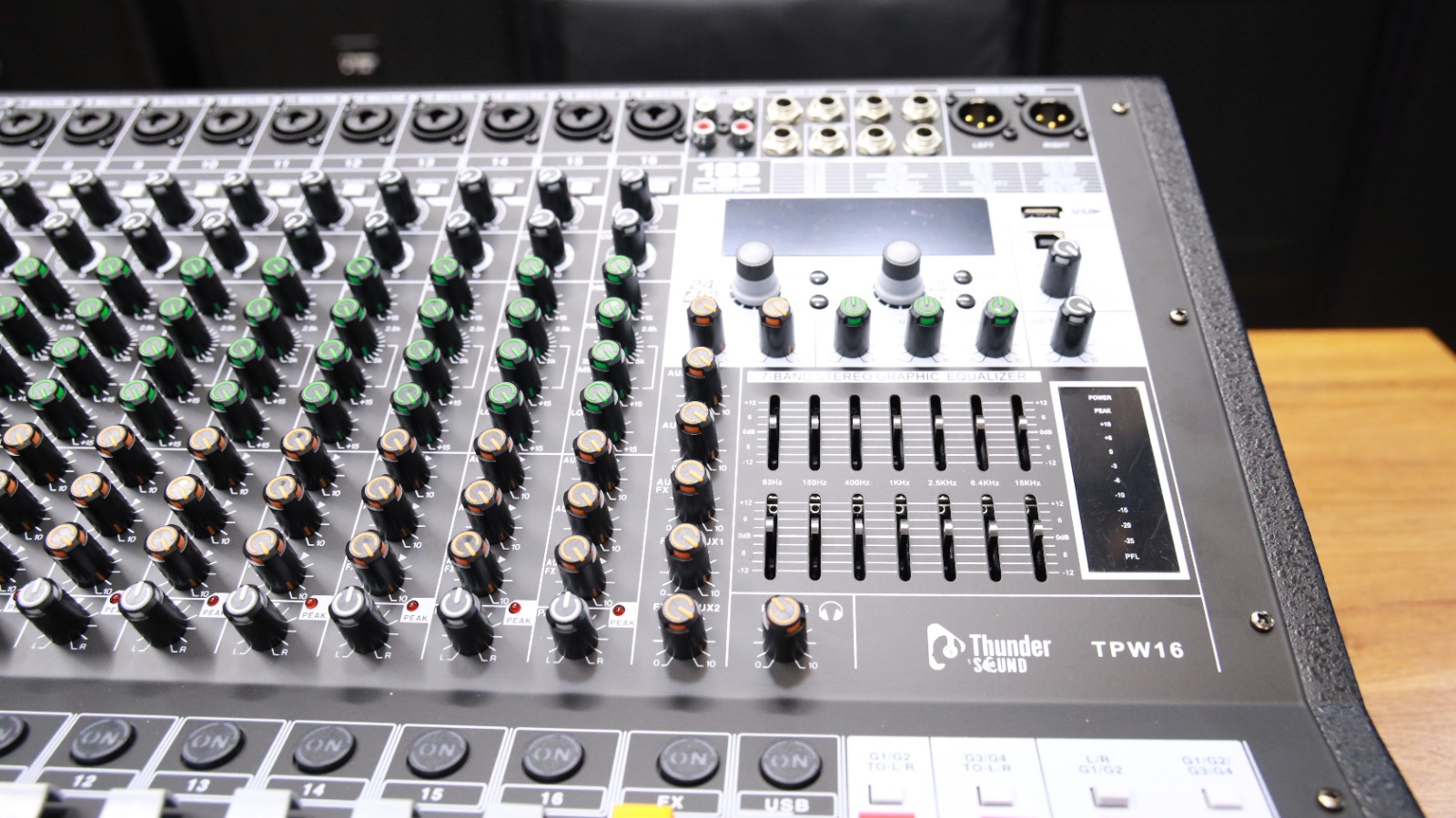
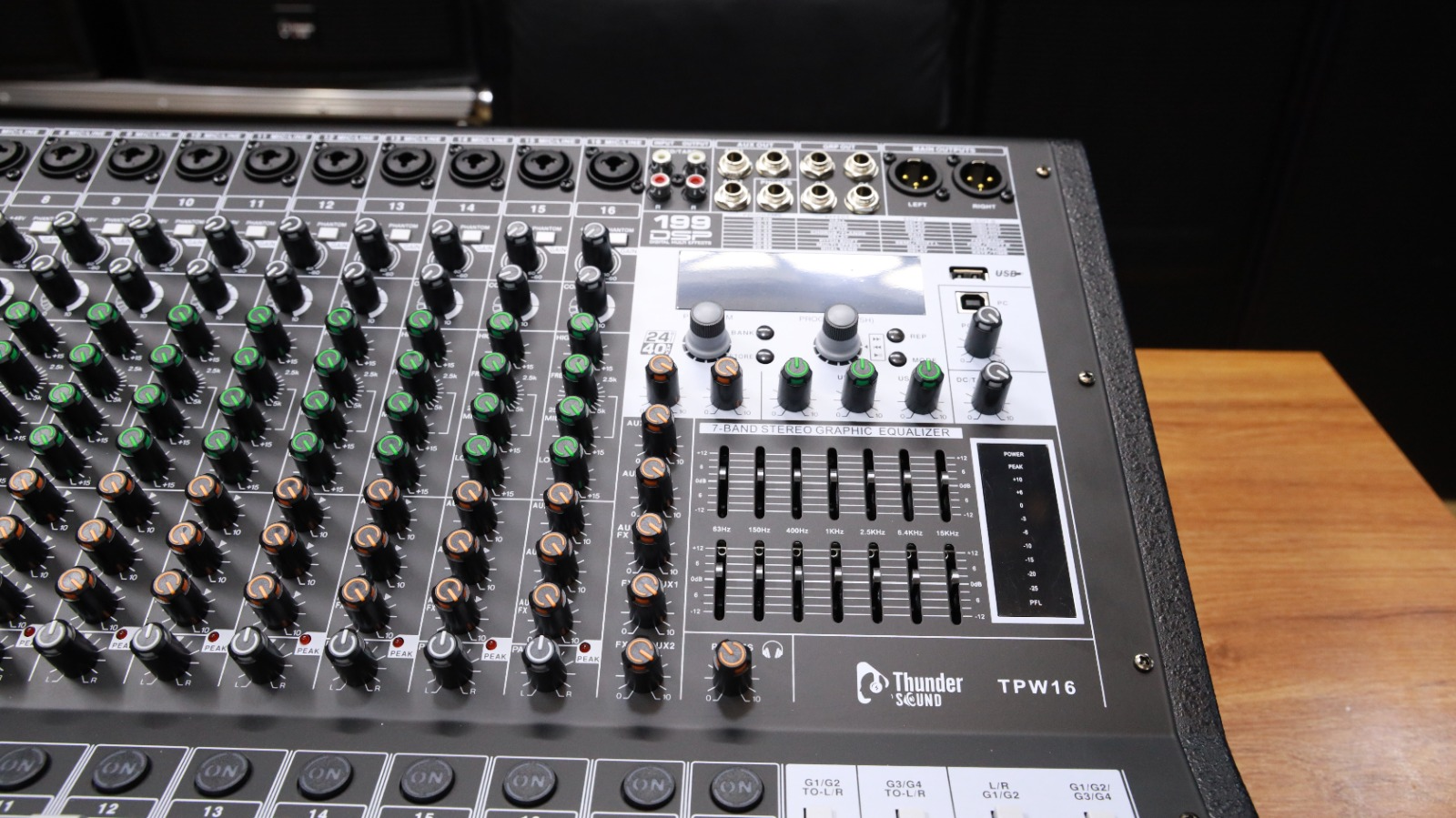
Frequently Asked Questions
Who should use the Thunder Sound TPW 16?
It is suitable for churches, schools, live bands, DJs, conference centres, event companies
and entertainment venues that need multiple audio channels.
Can it handle microphones and instruments together?
Yes. Its 16-channel configuration allows operators to connect and control several
microphones, instruments and playback sources.
Where can I buy the Thunder Sound TPW 16 in Kenya?
The mixer is available from Spectrum Audio Solutions. Visit the product page or contact
the sales team through WhatsApp for current availability.
Build a More Flexible Live Sound System
Choose the Thunder Sound TPW 16 Professional Powered Audio Mixer for flexible channel control,
practical sound processing and dependable performance across different events and venues.